
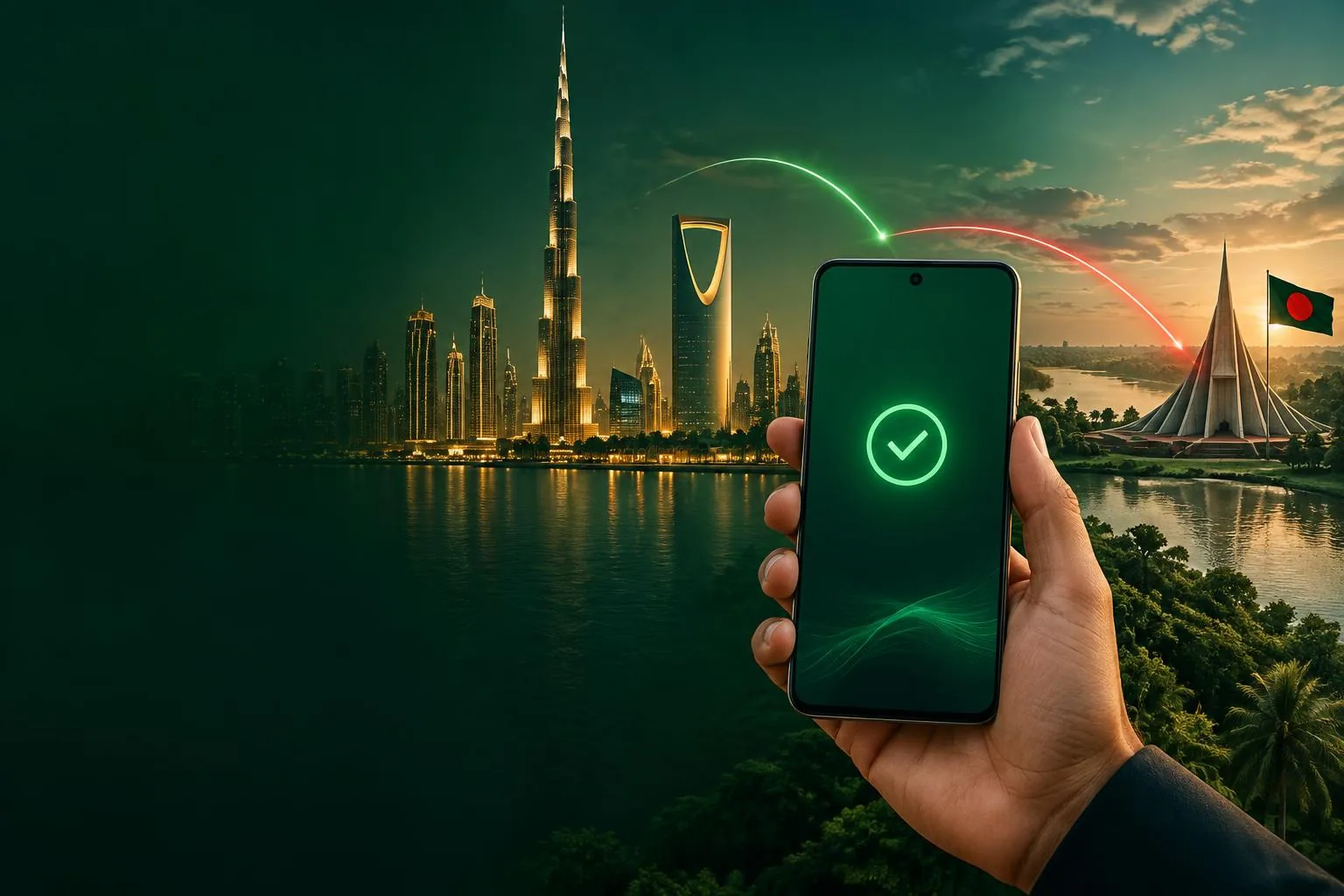
Private DNS for Bangladeshis abroad
bkdns.shop
Personal Private DNS for bKash & Nagad.
A little closer to home.
Your banking. Your connection. No VPN.
10 minutes free. No payment needed.
One trial every 24 hours for eligible accounts
Android & iPhone · From ৳150 / month
Saudi Arabia · United Arab Emirates
Encrypted DNS
Android & iPhone
Clear expiry
A simpler connection
Connect in three steps.
Your own Private DNS address, built into your phone. No VPN app. No extra passwords. Just a connection back to the apps you use every day.
Your phone
Anywhere abroad
Personal DNS
Encrypted connection
Bangladesh
bKash & Nagad
Log in with your phone
Enter your mobile number and the SMS code. No password to remember.
Activate your free trial
Get your personal DNS hostname in your dashboard. Your 10 minutes start at activation.
Set it once. Stay connected.
Add the hostname to Android Private DNS or install your iPhone DNS profile.
For Bangladeshis abroad
bKash & Nagad, connected.
In Saudi Arabia, UAE, Malaysia and beyond. Test your own connection before choosing a plan.
bKash
Mobile financial service
Send money, pay bills and stay close to everyday life in Bangladesh.
Nagad
Digital financial service
Access your Nagad account from abroad with your personal Private DNS.
Other Bangladeshi banking apps are not verified. Check them during your free trial.
Simple plans. Personal DNS.
Choose your DNS plan.
One personal hostname. Clear expiry dates.
Pay with bKash or Nagad. No card needed.
- Personal DNS hostname
- bKash & Nagad tested
- Android & iPhone support
- Direct WhatsApp assistance
- Personal DNS hostname
- bKash & Nagad tested
- Android & iPhone support
- Direct WhatsApp assistance
- Personal DNS hostname
- bKash & Nagad tested
- Android & iPhone support
- Direct WhatsApp assistance
- Personal DNS hostname
- bKash & Nagad tested
- Android & iPhone support
- Direct WhatsApp assistance
Activation after payment verification
Need help choosing?Made for your phone
Set up Android or iPhone.
Your personal hostname is always in your dashboard, ready when you are.
Full setup guideYour hostname is personal.
Use the address from your own dashboard.
- 01Open your phone's Settings.
- 02Go to Network & Internet (or Connections → More connection settings).
- 03Tap Private DNS.
- 04Select Private DNS provider hostname and enter:
your-hostname.bkdns.shop - 05Tap Save. You're done!
Check if it works
Open the bKash app — if it previously showed an “outside the country” error or kept loading, the login page should now load normally and show the country as Bangladesh.
Troubleshooting
- Turn Private DNS Off once, then back On with the hostname.
- Settings → Apps → bKash/Nagad → Storage → Clear cache.
- Restart your phone once.
- Disable any other VPN or ad-blocker that's running.
- Still not working? Contact us on WhatsApp.
Private DNS explained
bKash & Nagad DNS for use abroad
What a personal hostname does, how to set it up, and what to check when your banking app will not connect.
Good to know
A few questions.
Clear answers.
Still need a hand? We're a message away.
WhatsApp 01712315528Helping others connect?
Dedicated customer hostnames, easy renewals and direct reseller support.